Visual Studio Code
Visual Studio Code is an excellent Free and Built Open Source IDE that speeds up any software development nowadays. It runs everywhere. The main four feature are:
- IntelliSense
- Run and Debug
- Built-in Git
- Extensions
Manual way
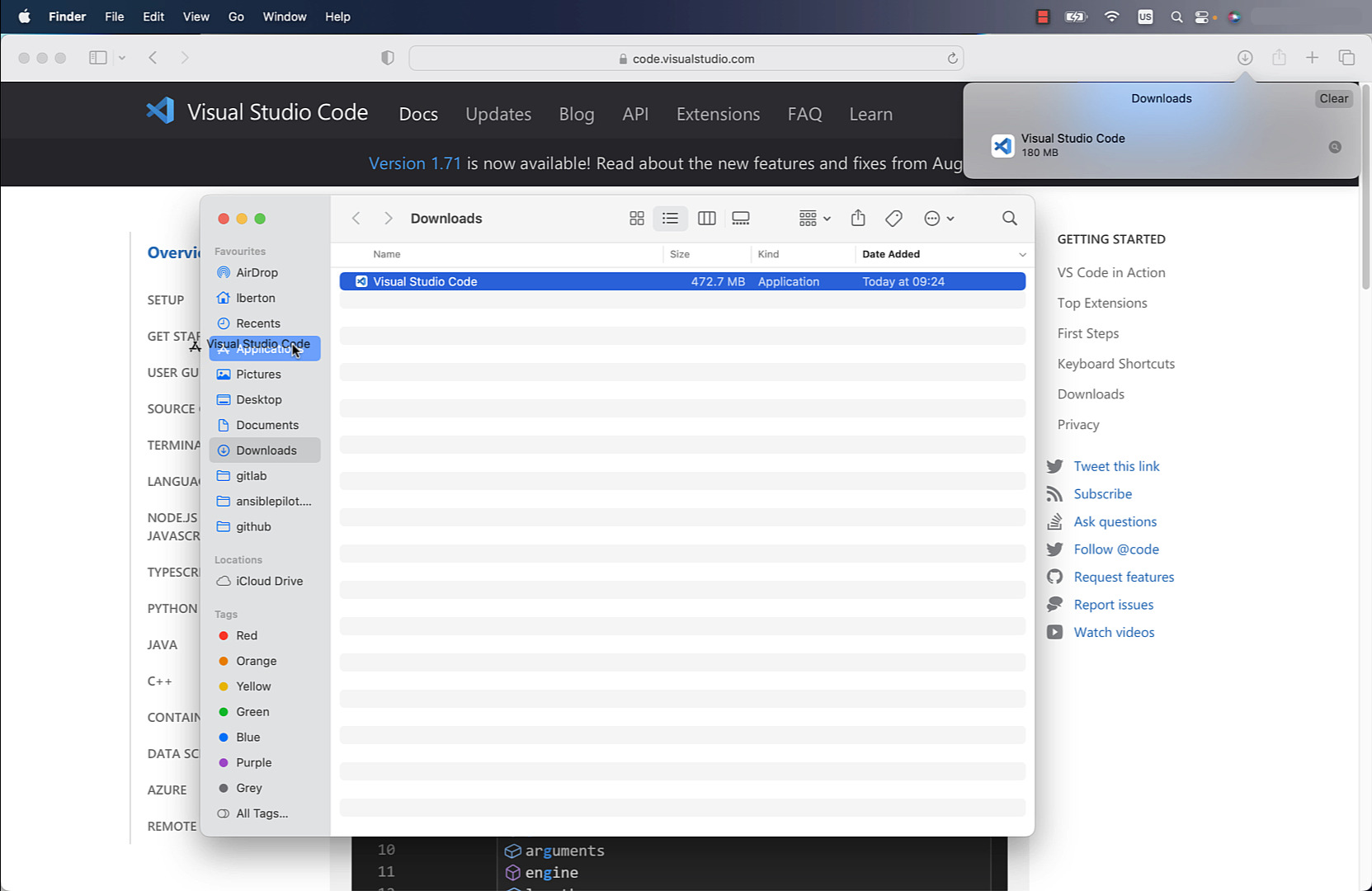
Manually download and install from the official website https://code.visualstudio.com/.
-
Pro: easy for new users
-
Cons: time-consuming to upgrade, time-consuming for multiple machines to install and upgrade
Homebrew way
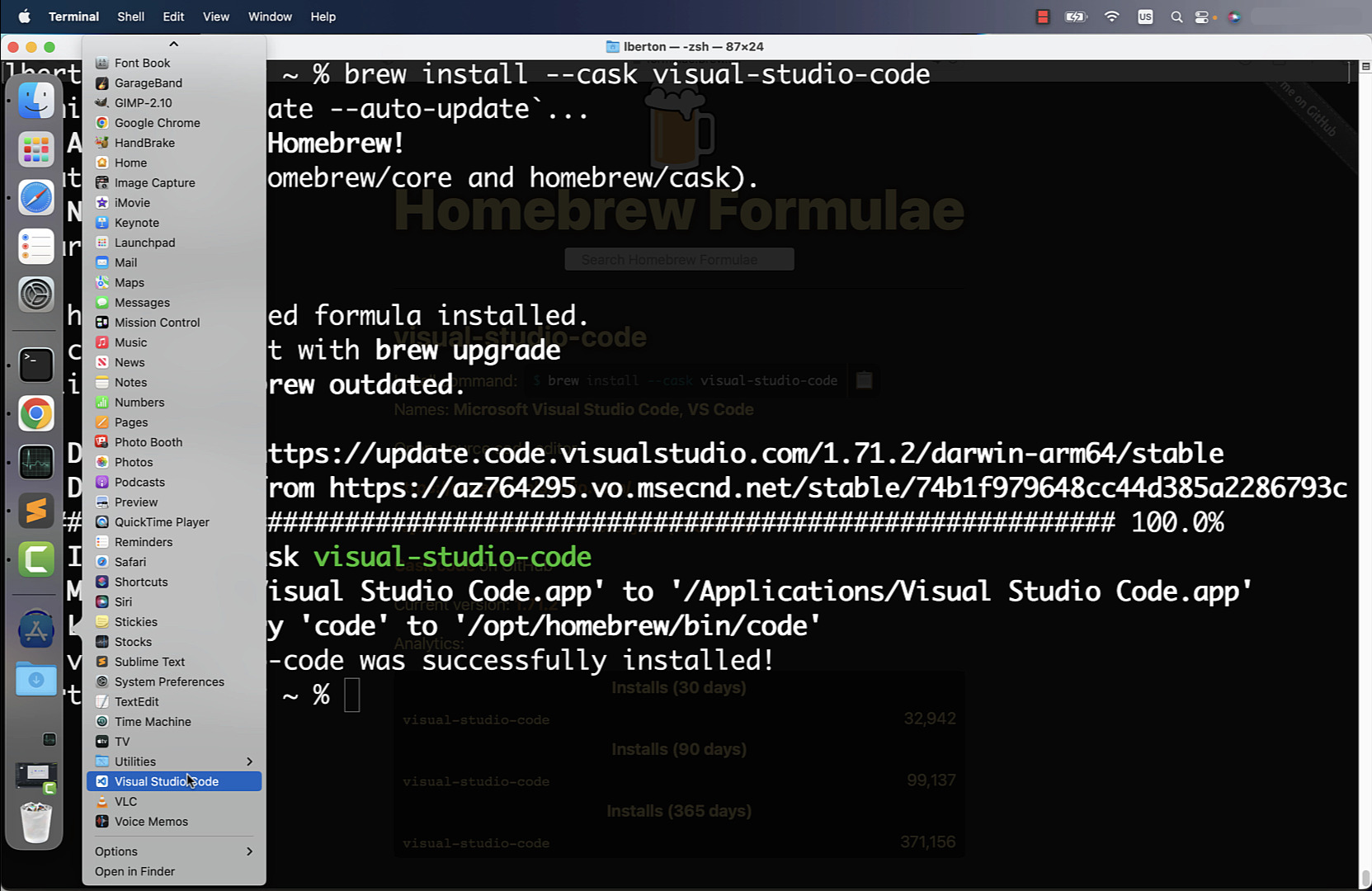
Using the Homebrew package manager, you can easily search and install the visual-studio-code package.
-
Pro: fast install and upgrade
-
Cons: require Terminal skill, time-consuming for multiple machines installation and upgrade
Ansible way
Using Ansible, you can quickly deploy an Ansible Playbook to install the visual-studio-code package via Homebrew.
-
Pro: fast install and upgrade, unlock parallel multiple machine installation
-
Cons: require Terminal skill
code
- install-visualstudiocode.yml
---
- name: install Visual Studio Code Mac Universal
  hosts: all
  tasks:
    - name: install visual-studio-code
      community.general.homebrew:
        name: visual-studio-code
        state: latest
        update_homebrew: true
- inventory
localhost ansible_connection=local
execution
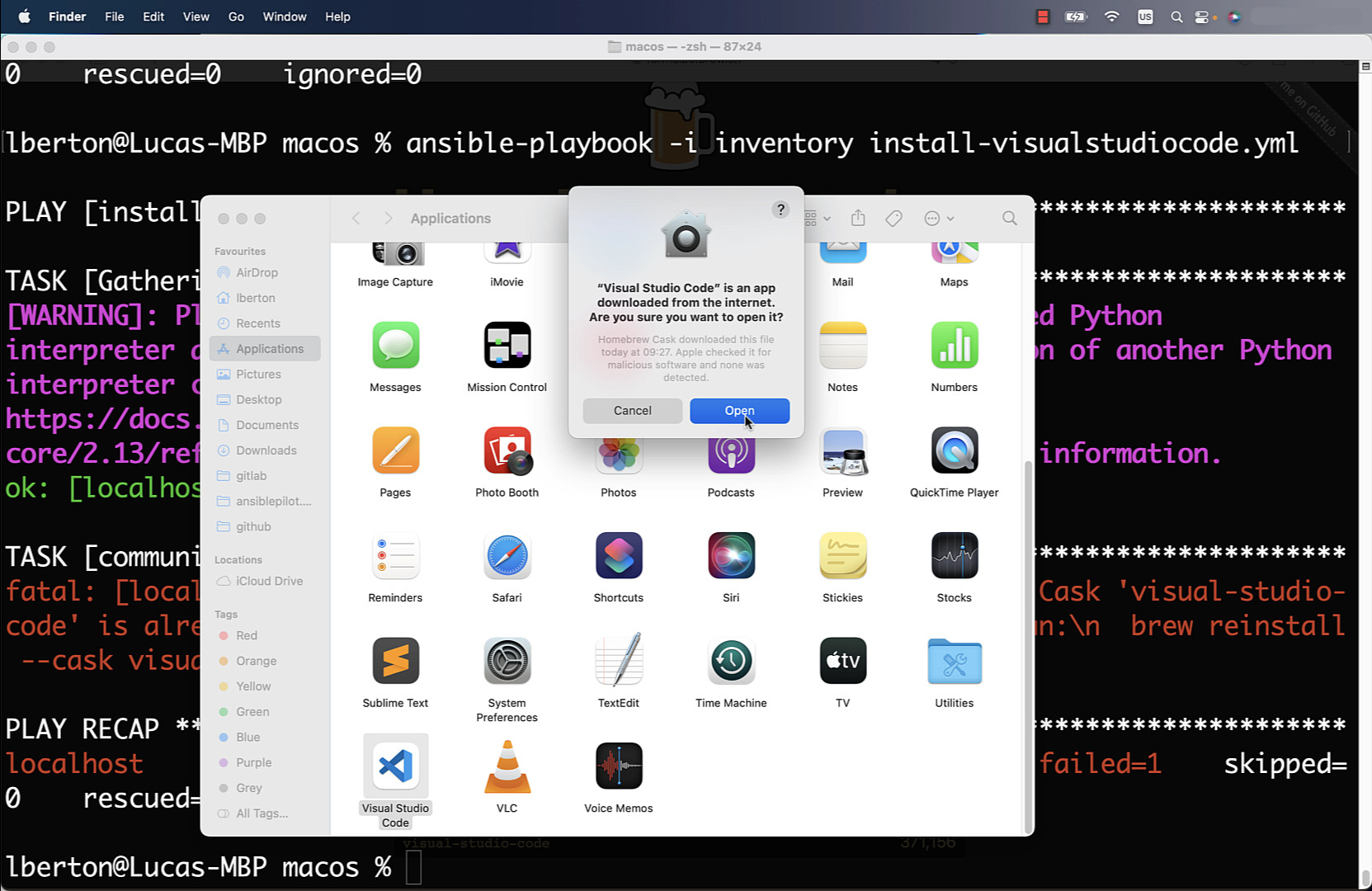
There is currently a bug in the module report, but it successfully installs Visual Studio Code.
lberton@Lucas-MBP macos % ansible-playbook -i inventory install-visualstudiocode.yml
PLAY [install Visual Studio Code Mac Universal] ***************************************
TASK [Gathering Facts] ****************************************************************
[WARNING]: Platform darwin on host localhost is using the discovered Python
interpreter at /opt/homebrew/bin/python3.10, but future installation of another Python
interpreter could change the meaning of that path. See
https://docs.ansible.com/ansible-
core/2.13/reference_appendices/interpreter_discovery.html for more information.
ok: [localhost]
TASK [community.general.homebrew] *****************************************************
fatal: [localhost]: FAILED! => {"changed": false, "msg": ""}
PLAY RECAP ****************************************************************************
localhost                  : ok=1    changed=0    unreachable=0    failed=1    skipped=0    rescued=0    ignored=0
lberton@Lucas-MBP macos %
idempotency
lberton@Lucas-MBP macos % ansible-playbook -i inventory install-visualstudiocode.yml
PLAY [install Visual Studio Code Mac Universal] ***************************************
TASK [Gathering Facts] ****************************************************************
[WARNING]: Platform darwin on host localhost is using the discovered Python
interpreter at /opt/homebrew/bin/python3.10, but future installation of another Python
interpreter could change the meaning of that path. See
https://docs.ansible.com/ansible-
core/2.13/reference_appendices/interpreter_discovery.html for more information.
ok: [localhost]
TASK [community.general.homebrew] *****************************************************
fatal: [localhost]: FAILED! => {"changed": false, "msg": "Warning: Cask 'visual-studio-code' is already installed.\n\nTo re-install visual-studio-code, run:\n  brew reinstall --cask visual-studio-code"}
PLAY RECAP ****************************************************************************
localhost                  : ok=1    changed=0    unreachable=0    failed=1    skipped=0    rescued=0    ignored=0
lberton@Lucas-MBP macos %
Conclusion
Now you know three ways to install and maintain up-to-date Visual Studio Code for Mac Universal (Intel Chip and Apple Silicon): Manual, Homebrew and Ansible.