How to run the latest AWX in Docker containers?
Running AWX in local Docker containers allows you to test the AWX web-UI and API to easily manage Ansible Playbook execution. AWX run on Docker is considered for Testing or Development only, the preferred way is via the AWX Operator since version 18.0. This initial configuration sometimes is a roadblock for some Ansible AWX users.
Ansible AWX
- Ansible AWX is the upstream project of Ansible Automation Controller (fromelly Ansible Tower)
AWX is a very modern web UI and API that allows you to manage Ansible Playbooks, Inventories, Credentials, and Vaults between your team in your organization. Running AWX is a convenient way to centralize the storing and execution of all your Ansible resources and grant the relevant permissions only to selected users across your organization. Ansible AWX is the upstream project of Ansible Automation Controller (formerly Ansible Tower). The Ansible Automation Controller is part of the Red Hat Ansible Automation Platform (AAP). Red Hat released the AWX project under the Apache 2.0 Open Source license. Under the hood, it relies on cutting-edge Open Source technologies such as Redis, PostgreSQL, Django, and Python.
Links
Playbook
How to run AWX in a Docker container. I'm going to show you how to get started on the latest AWX stable version (21.5.0 at the moment). I tested the following procedure on a Fedora 36 workstation. A step-by-step guide on how to build and run the latest Ansible AWX Base Container Image and Ansible Receptor Image and run the UI, crfeate an admin example user.
Prerequisites
Ansible AWX support only x86_64 operating system:
- Fedora (maintained versions)
- Ubuntu LTS (20.04 or 22.04)
- Red Hat Enterprise Linux 8+, CentOS Stream 8+
- macOS 11
The additional software must be installed:
Please note that the latest Docker technology should be installed in the target system, the Docker service must be started and the current user added in the docker group.
-
docker-compose Python module
Build Ansible AWX
How to build the Ansible AWX Base Container Image and download the latest Ansible Receptor Image.
- Clone the latest stable tag Ansible AWX repository
git clone -b x.y.z https://github.com/ansible/awx.git
Substitute x.y.z with the latest release version number (for example 21.5.0).
- Configure the inventory (optional)
You can customize the inventory parameters pg_password, broadcast_websocket_secret, secret_key, and any other settings you need for your deployment.
- The Ansible AWX Base Container Image
- build the AWX Base Container Image
$ make docker-compose-build
This command builds the AWX base container image (it takes a while and connects to the internet to download dependencies, packages, and libraries).
After a successful execution the docker images command show you a new ansible/awx_devel image:
[lberton@ansible awx]$ docker images
REPOSITORY                  TAG       IMAGE ID       CREATED         SIZE
ghcr.io/ansible/awx_devel   HEAD      4d593fc25fc2   21 hours ago    1.8GB
- The Ansible Receptor Image
- Download the Receptor Image
The development environment will download the latest devel image from receptor.
Verify that the receptor image was successfully downloaded using the docker images command:
[lberton@ansible awx]$ docker images
REPOSITORY                  TAG       IMAGE ID       CREATED         SIZE
quay.io/ansible/receptor    devel     981db0fc0f90   7 days ago      233MB
Run Ansible in Docker Containers
How to start the Ansible AWX, Ansible Receptor, PostgreSQL and Redis containers.
- run the Ansible AWX Base Container Image
The Ansible AWX Base Container Image (previously build) automatically start all required services (PostgreSQL and Redis) and dependent containers.
$ make docker-compose
Your session will be attached to the awx container and start watching for log messages and events in real time when the container was launched.
The first time you start the environment, database migrations runs in order to build the PostgreSQL initial database schema and data.
By default six Docker containers are running on your machine: tools_awx_1, tools_postgres_1, tools_redis_1, tools_receptor_hop, tools_receptor_1, tools_receptor_2.
You can verify the containers running in your system using the docker ps command:
[lberton@ansible awx]$ docker ps
CONTAINER ID   IMAGE                            COMMAND                  CREATED        STATUS         PORTS                                                                                                                                                                                                                                                                                                                                                                                NAMES
bce34be76a94   ghcr.io/ansible/awx_devel:HEAD   "/entrypoint.sh rece…"   14 hours ago   Up 2 minutes   22/tcp, 8013/tcp, 8043/tcp, 8080/tcp                                                                                                                                                                                                                                                                                                                                                 tools_receptor_2
c11c7c1114f1   ghcr.io/ansible/awx_devel:HEAD   "/entrypoint.sh rece…"   14 hours ago   Up 2 minutes   22/tcp, 8013/tcp, 8043/tcp, 8080/tcp                                                                                                                                                                                                                                                                                                                                                 tools_receptor_1
05589a6b6185   quay.io/ansible/receptor:devel   "/usr/local/bin/dumb…"   14 hours ago   Up 3 minutes   0.0.0.0:5555->5555/tcp, :::5555->5555/tcp, 7323/tcp                                                                                                                                                                                                                                                                                                                                  tools_receptor_hop
d9570e9d9027   ghcr.io/ansible/awx_devel:HEAD   "/entrypoint.sh laun…"   14 hours ago   Up 3 minutes   0.0.0.0:2222->2222/tcp, :::2222->2222/tcp, 0.0.0.0:6899->6899/tcp, :::6899->6899/tcp, 0.0.0.0:7899-7999->7899-7999/tcp, :::7899-7999->7899-7999/tcp, 0.0.0.0:8013->8013/tcp, :::8013->8013/tcp, 0.0.0.0:8043->8043/tcp, :::8043->8043/tcp, 0.0.0.0:8080->8080/tcp, :::8080->8080/tcp, 22/tcp, 0.0.0.0:8888->8888/tcp, :::8888->8888/tcp, 0.0.0.0:3000->3001/tcp, :::3000->3001/tcp   tools_awx_1
c39fe279ecb2   postgres:12                      "docker-entrypoint.s…"   14 hours ago   Up 3 minutes   5432/tcp                                                                                                                                                                                                                                                                                                                                                                             tools_postgres_1
820ebdc15a10   redis:latest                     "redis-server /usr/l…"   14 hours ago   Up 3 minutes   6379/tcp                                                                                                                                                                                                                                                                                                                                                                             tools_redis_1
[lberton@ansible awx]$

Access the Ansible AWX Web UI
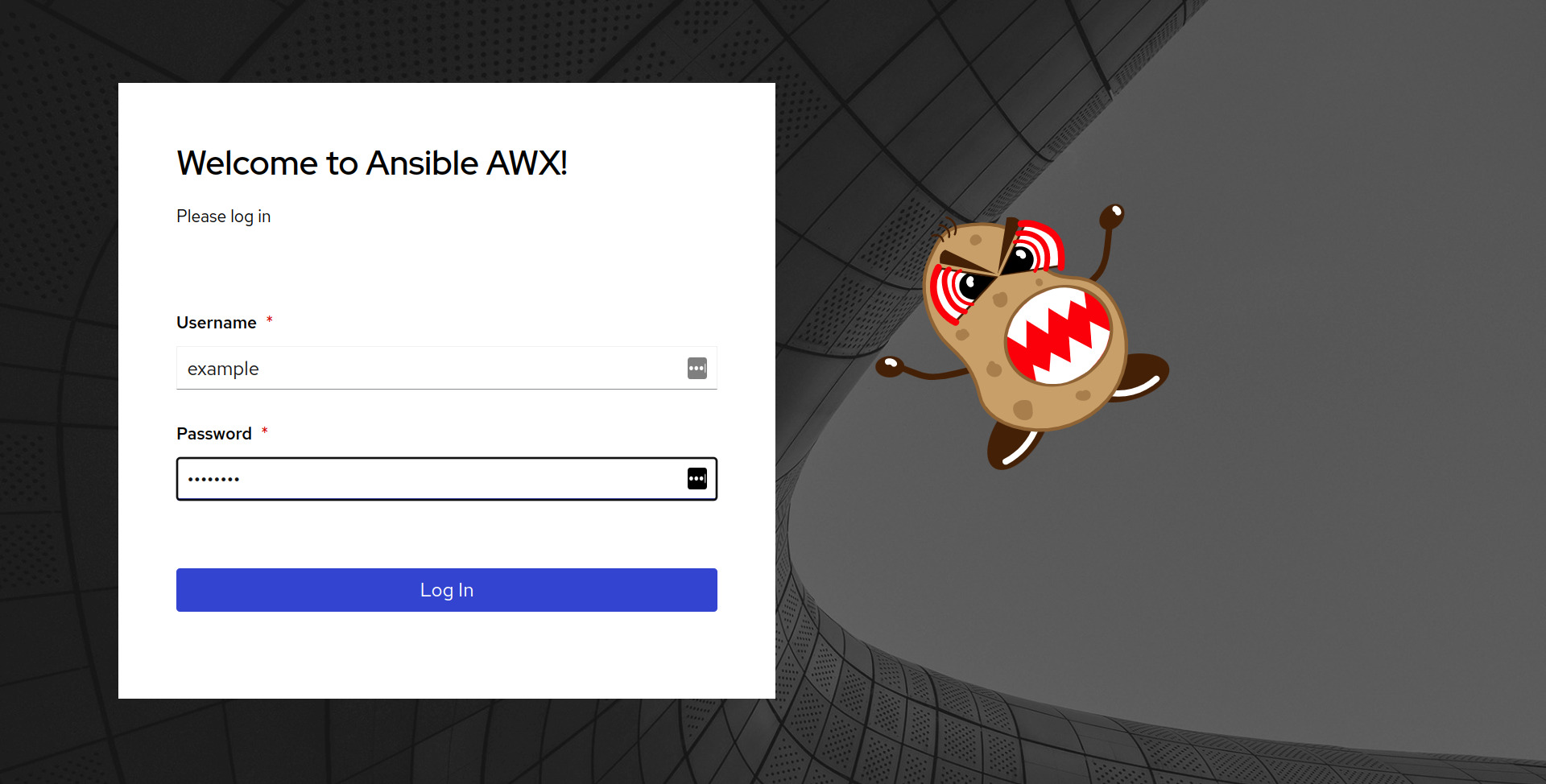
The Ansible AWX Web-UI is available at the URL https://awx.example.com/.
A succesful connection with your browser is going to show you the following login screen (https://awx.example.com/#/login).

Access the Ansible AWX Web API
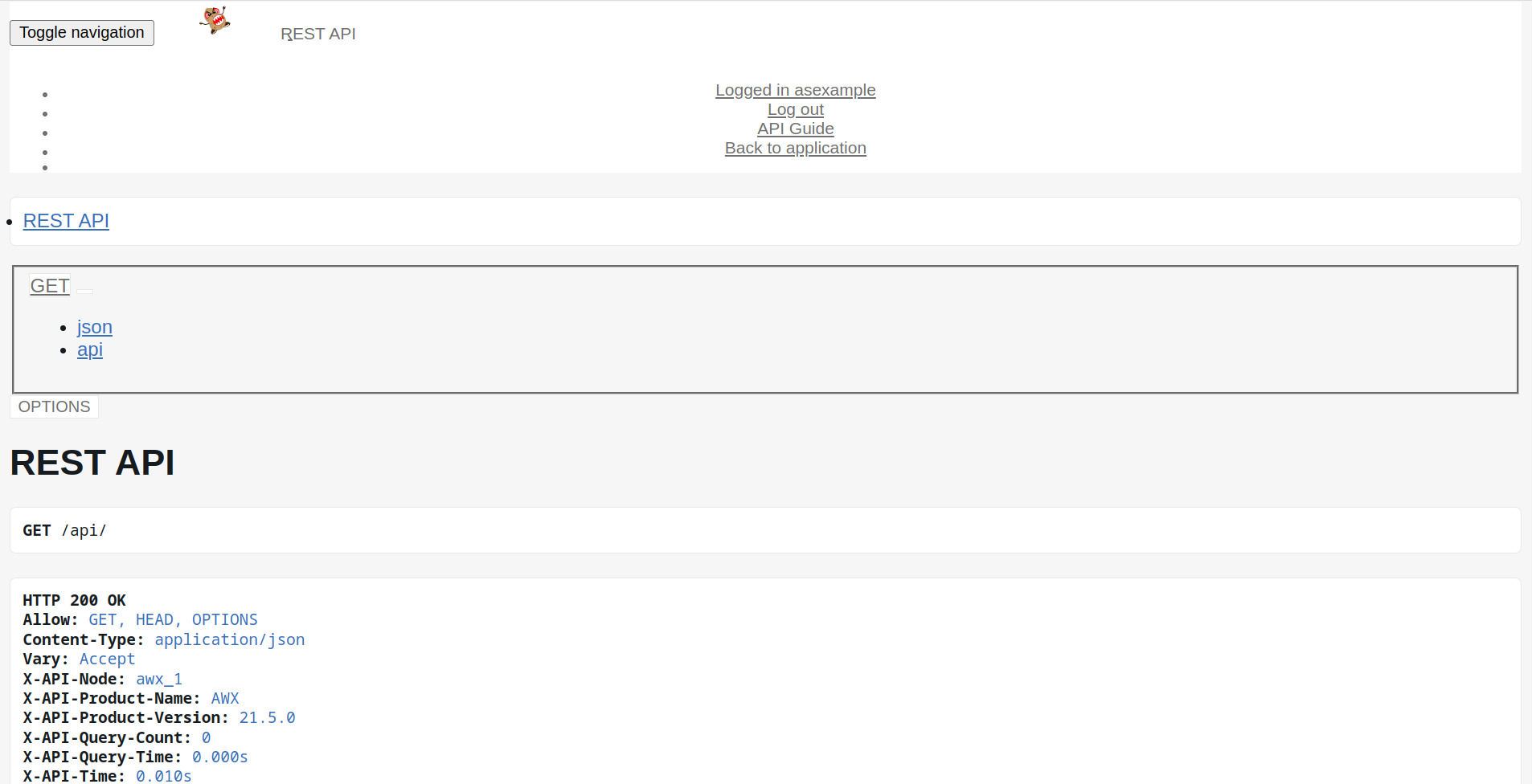
The Ansible AWX API is available at the URL https://awx.example.com/api/.
A succesful connection with your browser is going to show you the following API endpoint (https://awx.example.com/api/).
The Ansible AWX API is a Browsable API so easy to navigate via browser.
Please note that some API endpoints requires authentication.

Create an Ansible AWX Admin User
Ansible AWX admin user enables you to access the Ansible AWX Web-UI and the Ansible AWX API endpoints that require authentication.
The user creation is performed using the docker exec command using the awx-manage utility:
$ docker exec -ti tools_awx_1 awx-manage createsuperuser
A successful execution to create the example user is follows:
[lberton@ansible awx]$ docker exec -ti tools_awx_1 awx-manage createsuperuser
Username: example
Email address: example@example.com
Password:
Password (again):
Superuser created successfully.
[lberton@ansible awx]$
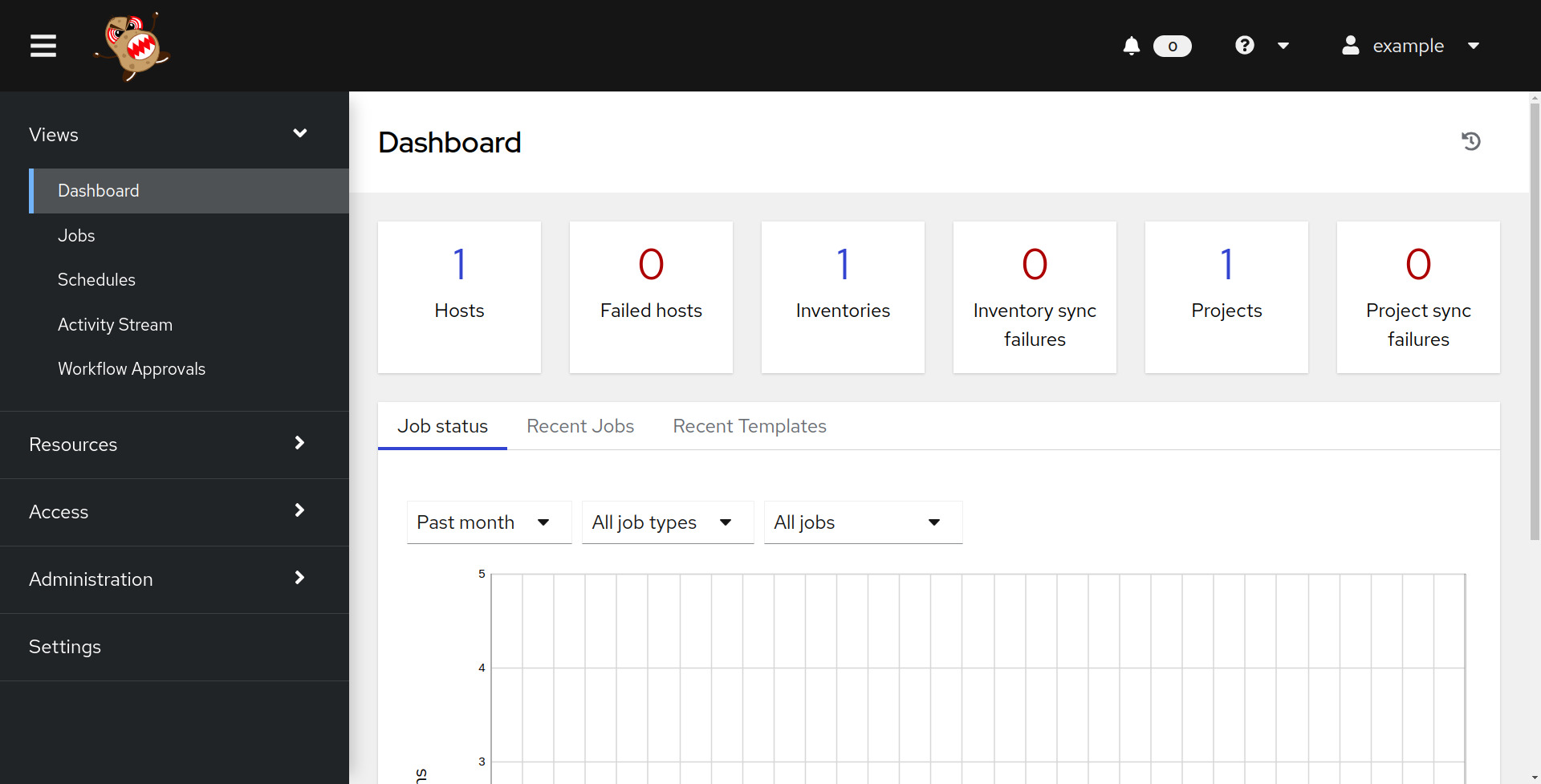
Once a superuser is successfully created you can access the Ansible AWX Web-UI and Ansible API autenticated endopoints.
- Ansible AWX UI Login
- Ansible AWX UI Dashboard
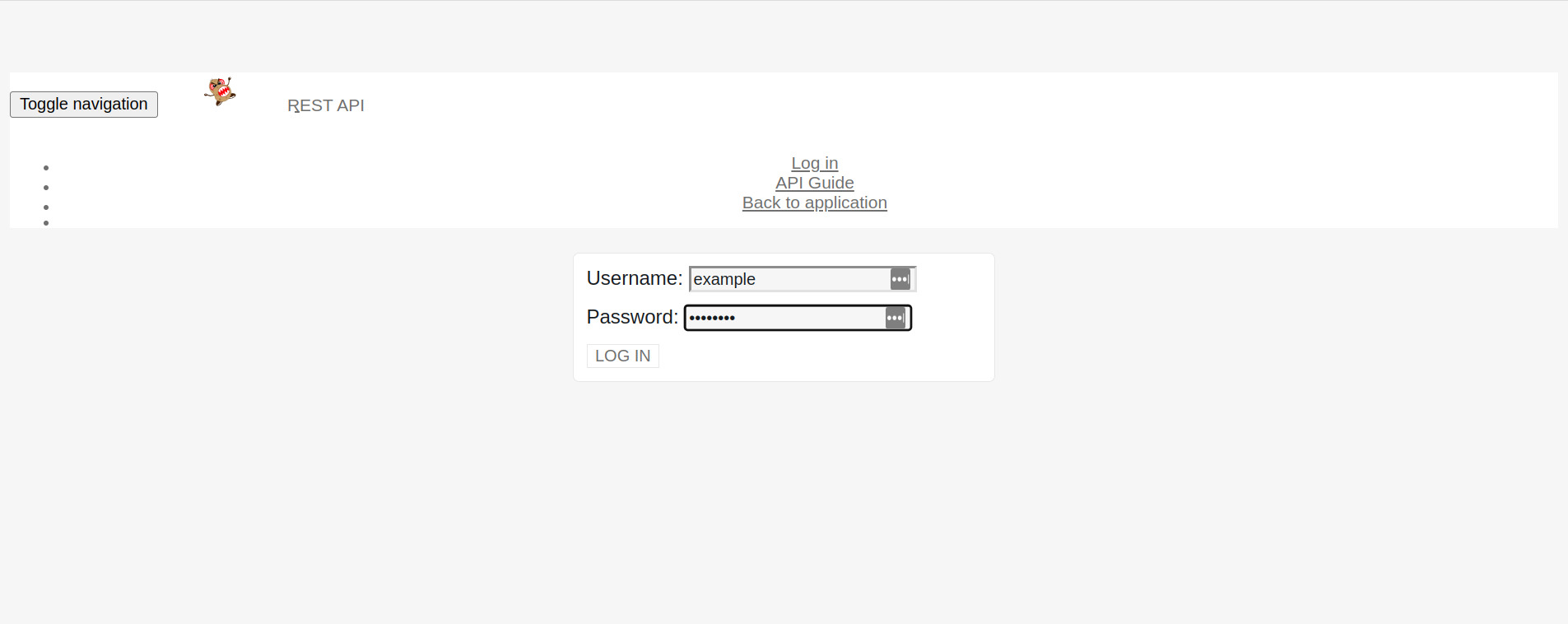
- Ansible AWX API Login
The direct API endpoint is https://awx.example.com/api/login/.
- Ansible AWX API Authenticated
The current authenticated user is shown in the top Logged in as example.
Stop the Ansible AWX Docker containers
You can use the docker stop command when you want to stop the six Docker containers of Ansible AWS on your machine: tools_awx_1, tools_postgres_1, tools_redis_1, tools_receptor_hop, tools_receptor_1, tools_receptor_2.
[lberton@ansible awx]$ docker stop tools_awx_1 tools_receptor_2 tools_receptor_1 tools_receptor_hop tools_redis_1 tools_postgres_1
tools_awx_1
tools_receptor_2
tools_receptor_1
tools_receptor_hop
tools_redis_1
tools_postgres_1
[lberton@ansible awx]$
An empty list provided by docker ps command should confirm the succesful Docker containers shutdown:
[lberton@ansible awx]$ docker ps
CONTAINER ID   IMAGE     COMMAND   CREATED   STATUS    PORTS     NAMES
[lberton@ansible awx]$
Conclusion
Now you know how to Build, Run and Stop the latest Ansible AWX web-ui and API in Docker containers. Included code how to create a superuser account.