Introduction
The AWX superuser has full administrative power — configuring settings, managing users, running any job template, and accessing all API endpoints. This guide covers creating your first superuser, resetting passwords, managing multiple users, and securing access.
Prerequisites
- AWX running in Docker containers (via Docker Compose or AWX Operator)
- Access to the Docker host command line
Create a Superuser
Using docker exec
docker exec -ti tools_awx_1 awx-manage createsuperuser
Interactive prompts:
Username: admin
Email address: admin@example.com
Password: ********
Password (again): ********
Superuser created successfully.
Non-Interactive (Scripted)
For automation and CI/CD:
docker exec -ti tools_awx_1 awx-manage createsuperuser \
  --username admin \
  --email admin@example.com \
  --noinput

# Set password separately
docker exec -ti tools_awx_1 awx-manage changepassword admin
Or with environment variables:
docker exec -e DJANGO_SUPERUSER_PASSWORD=MySecurePass123 \
  tools_awx_1 awx-manage createsuperuser \
  --username admin \
  --email admin@example.com \
  --noinput
Find Your Container Name
If tools_awx_1 doesn't work:
# List running AWX containers
docker ps | grep awx

# Common container names
# tools_awx_1, awx_web, awx-web-1
For Docker Compose v2:
docker compose exec awx_web awx-manage createsuperuser
Reset Superuser Password
Forgot the admin password:
docker exec -ti tools_awx_1 awx-manage changepassword admin
# New password: ********
# Password (again): ********
# Password changed successfully for user 'admin'
Access the AWX Interface
Web UI
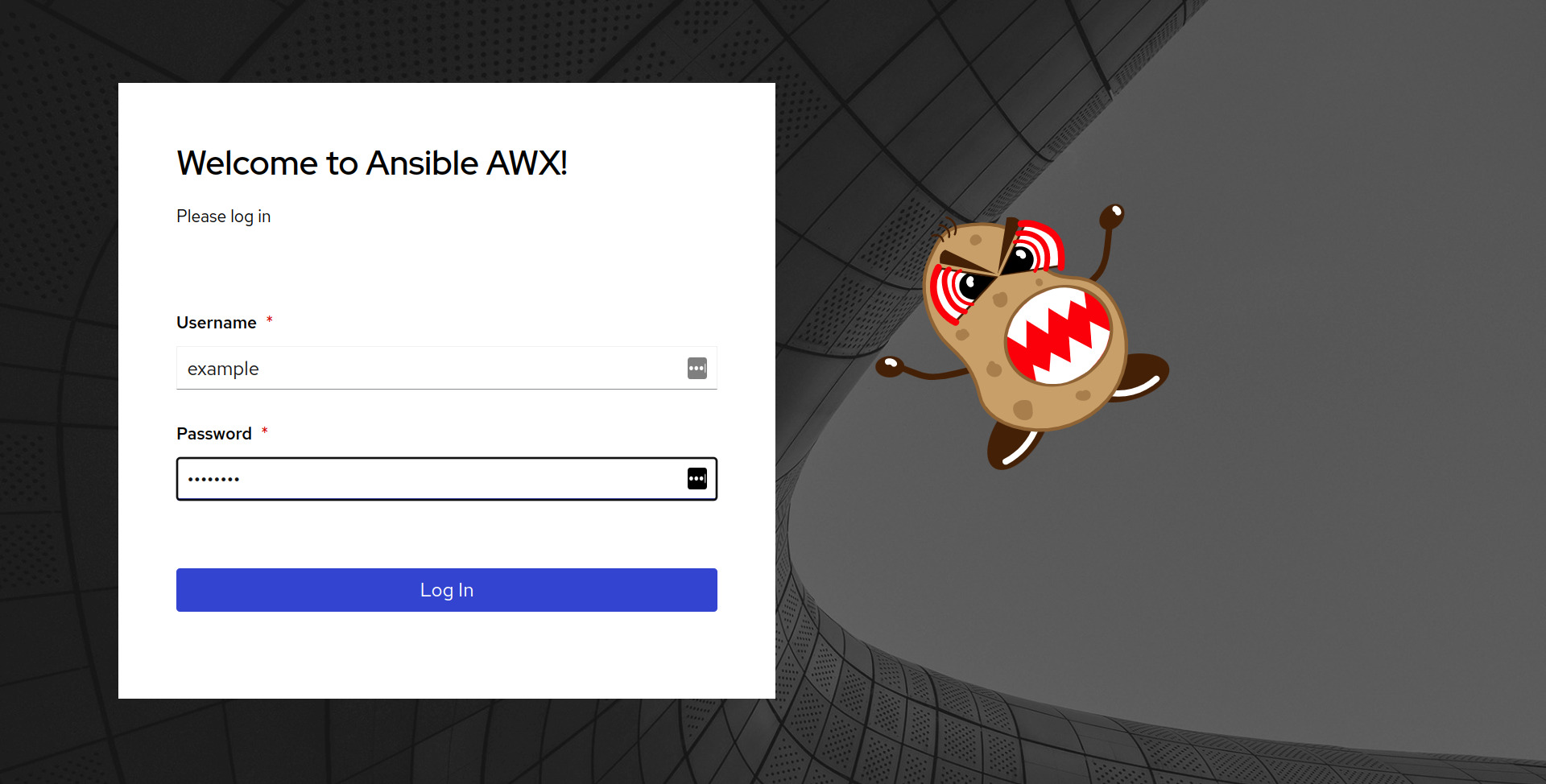
Navigate to https://awx.example.com (or your AWX host) and log in:
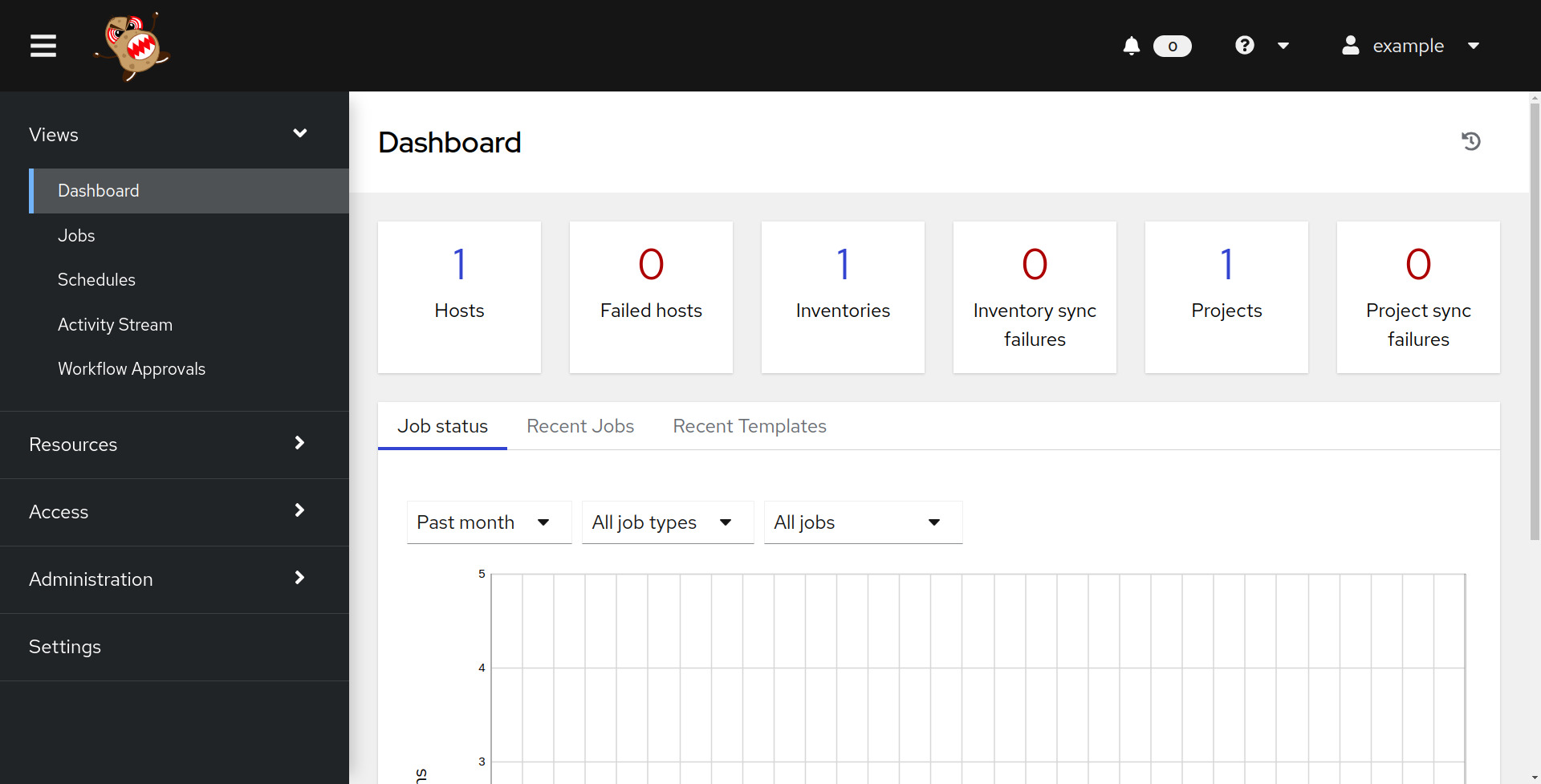
After login, you'll see the AWX Dashboard:
API Authentication
Browser API Explorer
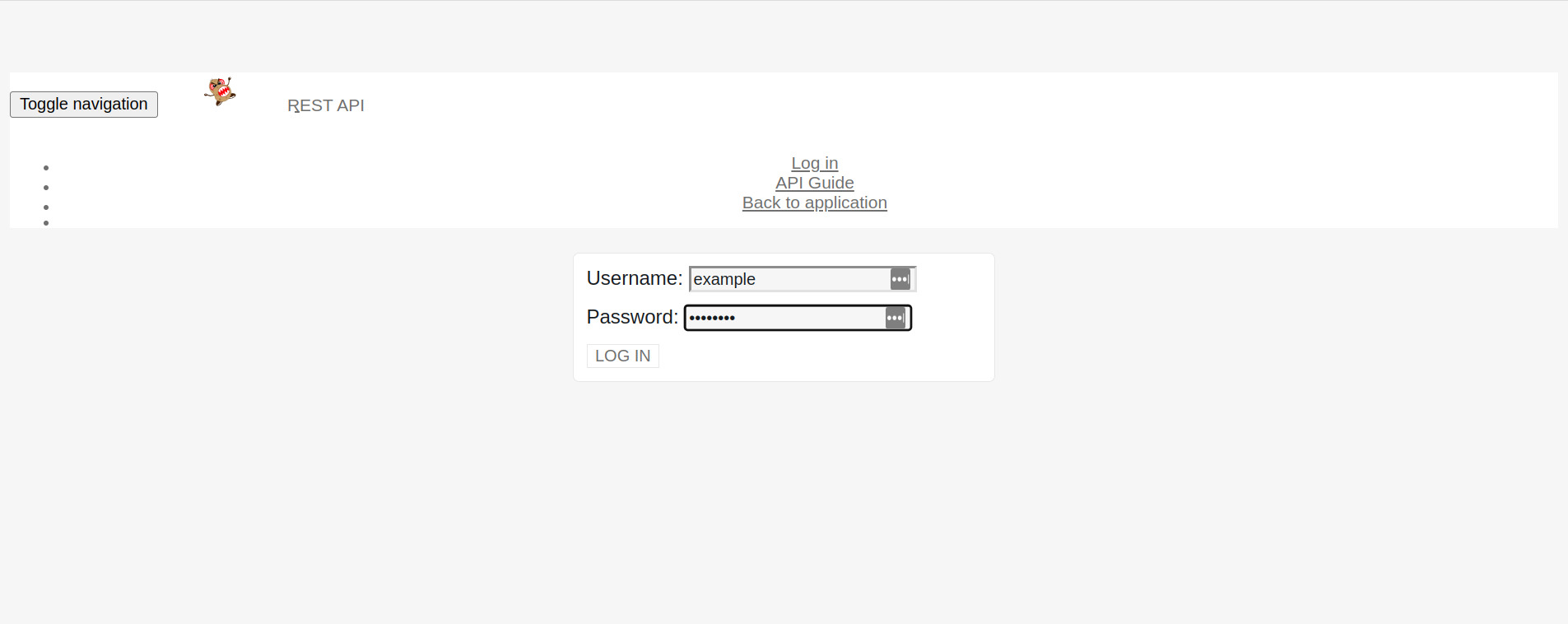
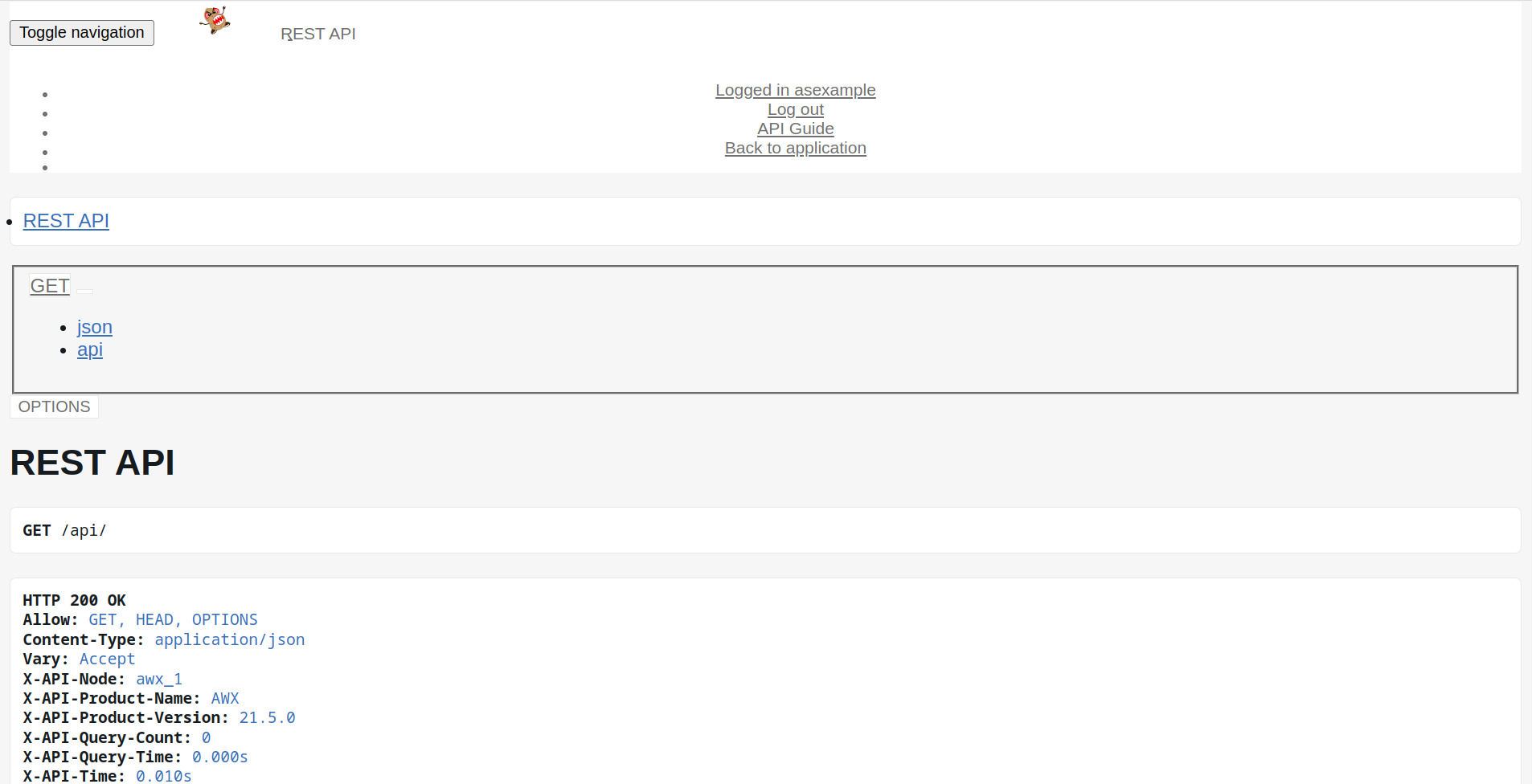
Navigate to https://awx.example.com/api/v2/ and log in:
Token-Based Authentication (Recommended)
# Create a personal access token
curl -s -k -X POST \
  -H "Content-Type: application/json" \
  -u admin:MySecurePass123 \
  https://awx.example.com/api/v2/tokens/ \
  | python3 -m json.tool
Response:
{
  "id": 1,
  "token": "ABCdef123456...",
  "scope": "write"
}
Use the token in subsequent requests:
curl -s -k -H "Authorization: Bearer ABCdef123456..." \
  https://awx.example.com/api/v2/me/
Basic Authentication
# List job templates
curl -s -k -u admin:MySecurePass123 \
  https://awx.example.com/api/v2/job_templates/ \
  | python3 -m json.tool

# Launch a job
curl -s -k -X POST \
  -u admin:MySecurePass123 \
  https://awx.example.com/api/v2/job_templates/1/launch/
Manage Multiple Users
Create Regular Users
# Create a non-superuser
docker exec -ti tools_awx_1 awx-manage shell -c "
from django.contrib.auth.models import User
user = User.objects.create_user('developer', 'dev@example.com', 'DevPass123')
user.save()
print(f'User {user.username} created')
"
List All Users
docker exec -ti tools_awx_1 awx-manage shell -c "
from django.contrib.auth.models import User
for u in User.objects.all():
    print(f'{u.username} | superuser={u.is_superuser} | email={u.email}')
"
Promote User to Superuser
docker exec -ti tools_awx_1 awx-manage shell -c "
from django.contrib.auth.models import User
user = User.objects.get(username='developer')
user.is_superuser = True
user.save()
print(f'{user.username} is now a superuser')
"
awx-manage Commands Reference
| Command | Description |
|---|---|
createsuperuser | Create a new superuser |
changepassword <user> | Reset a user's password |
shell | Open Django Python shell |
dbshell | Open database shell |
migrate | Run database migrations |
collectstatic | Collect static files |
inventory_import | Import inventory from file |
cleanup_jobs | Remove old job records |
cleanup_tokens | Remove expired tokens |
Security Best Practices
- Change default password immediately after first login
- Use token-based auth instead of basic auth for API access
- Create separate accounts for each administrator — avoid sharing the admin account
- Enable LDAP/SAML for enterprise authentication:
# Configure via AWX UI: Settings → Authentication → LDAP - Use RBAC to limit what non-superusers can access
- Rotate tokens regularly and revoke unused ones
Troubleshooting
"Permission denied"
Ensure you're running docker exec as a user with Docker access:
sudo docker exec -ti tools_awx_1 awx-manage createsuperuser
"Password too similar to username"
Use a stronger password — Django enforces password validation.
"That username is already taken"
# Check existing users
docker exec -ti tools_awx_1 awx-manage shell -c \
  "from django.contrib.auth.models import User; print([u.username for u in User.objects.all()])"

# Reset password instead
docker exec -ti tools_awx_1 awx-manage changepassword admin
Related Articles
- What is Ansible AWX?
- Run Latest AWX in Docker
- Build AWX in Docker
- Run and Stop AWX in Docker
- Install AWX Operator for Kubernetes
- Ansible Best Practices Guide
Conclusion
Creating an AWX superuser is a one-command operation with awx-manage createsuperuser. For production environments, script the creation with --noinput and environment variables, use token-based API authentication instead of basic auth, create individual accounts for each admin, and integrate with LDAP/SAML for enterprise authentication. The awx-manage tool provides full user lifecycle management directly from the Docker container.