Introduction
Developers who leverage the Red Hat Developer Subscription for Individuals enjoy a host of benefits, including support, security, updates, and more. While this subscription is provided at no cost to developers, it’s essential to be aware of the one-year term limit and the renewal process. In this article, we’ll explore the key aspects of the Red Hat Developer Subscription, its term length, and the steps to seamlessly renew it.
Understanding the Term Length
The Red Hat Developer Subscription for Individuals (SKU RH00798) comes with a duration of one year. As the expiration date approaches, developers receive email notifications 30 days in advance and on the day of expiration. These notifications serve as reminders to re-register for the subscription, ensuring uninterrupted access to the valuable resources it offers.
The following error might appear on the screen:
- No enabled repositories
``bash
$ dnf update
Updating Subscription Management repositories.
Error: There are no enabled repositories in "/etc/yum.repos.d", "/etc/yum/repos.d", "/etc/distro.repos.d".
`
- System Status Disabled
`bash
$ subscription-manager status
+-------------------------------------------+
System Status Details
+-------------------------------------------+
Overall Status: Disabled
Content Access Mode is set to Simple Content Access. This host has access to content, regardless of subscription status.
System Purpose Status: Disabled
`
- Auto attach failed
`bash
$ subscription-manager attach --auto
Ignoring the request to auto-attach. Attaching subscriptions is disabled for organization "XXXXXXXX" because Simple Content Access (SCA) is enabled.
``
Renewal Process
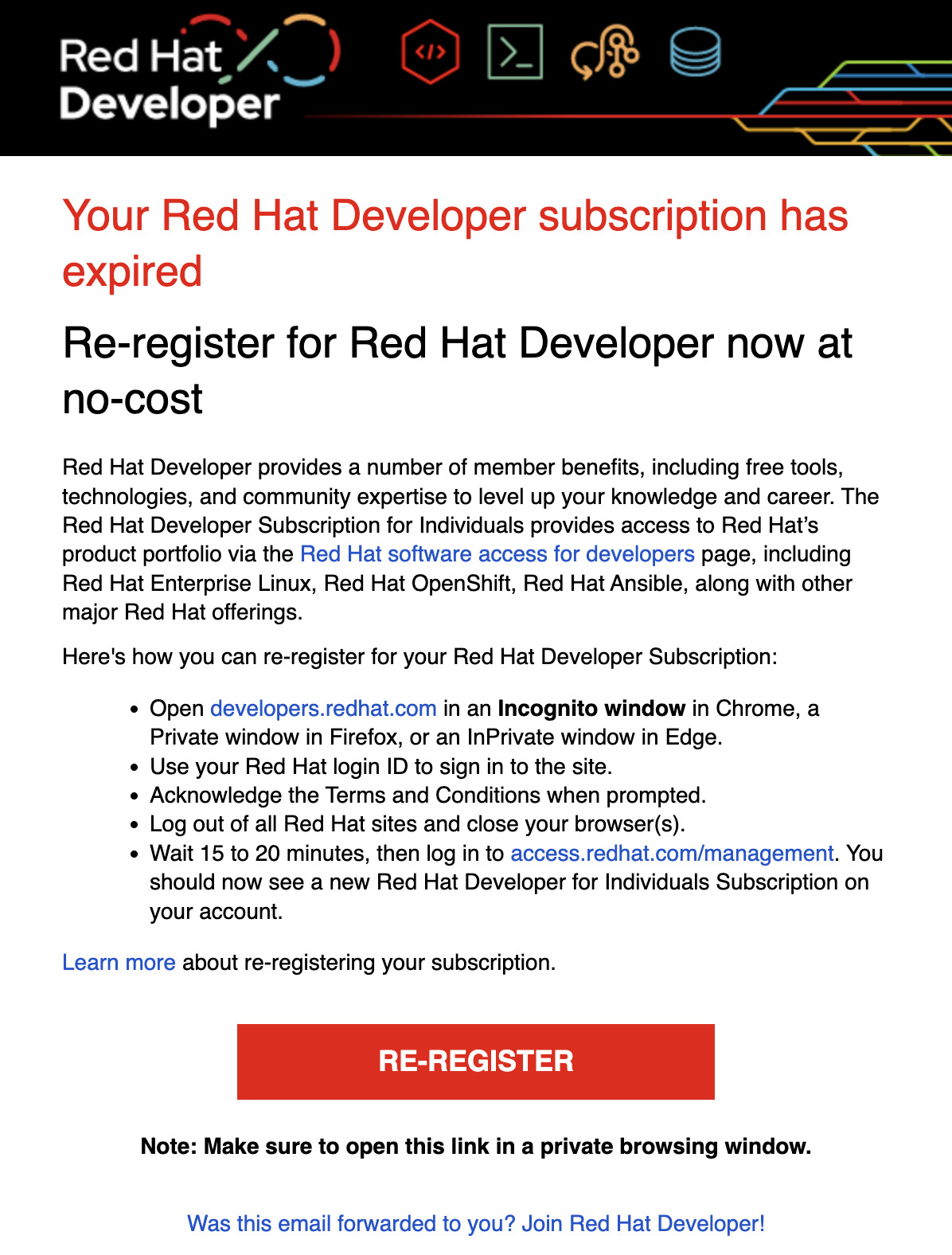
To renew the Red Hat Developer Subscription, developers can follow a straightforward process. If the account was created before October 29th, 2022, it’s advisable to enable Simple Content Access for a more seamless experience. This can be done by clicking on the avatar on the right-hand side of the navigation bar, accessing Subscriptions, and toggling the Simple content access switch. The email reminder looks like the following Figure:
For those who miss the email notifications, the renewal can be initiated manually by visiting access.redhat.com. By logging in with their Red Hat login ID, developers can access the registration form at developers.redhat.com/register. Acknowledging the provided Terms and