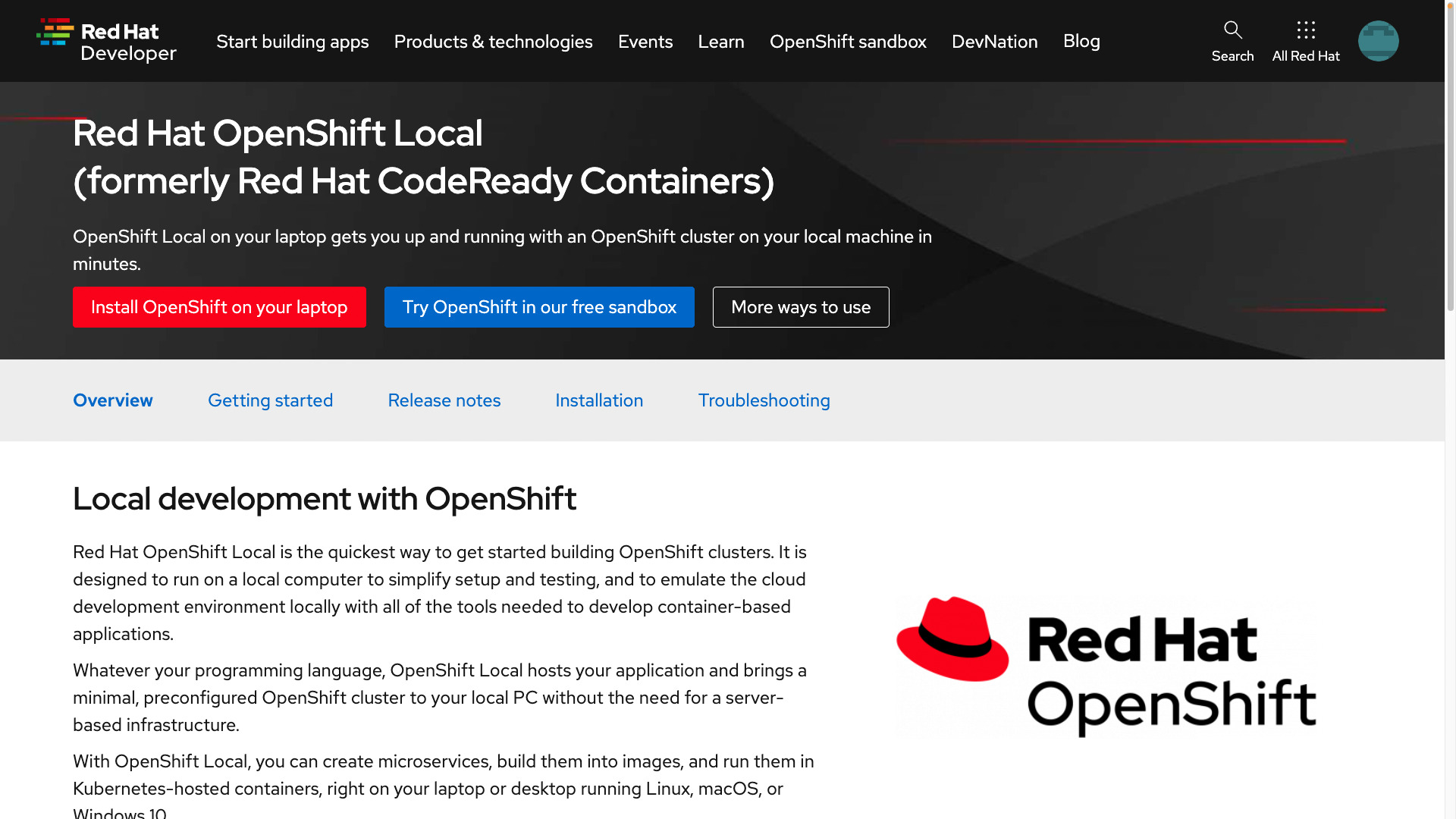
What is Red Hat OpenShift Local
- an OpenShift 4 cluster for local development
- minimum 4 vCPU, 8 GB RAM, 35 GB storage
- formerly CodeReady Containers
OpenShift Local is designed for local development and testing on an OpenShift 4 cluster. The OpenShift Local requires at least:
- 4 virtual CPUs (vCPUs)
- 8 GB of RAM memory
- 35 GB of storage space
## Playbook
How to Install Red Hat OpenShift Local in MacOS and simple usage.
- [Red Hat OpenShift 4 on your laptop: Introducing Red Hat CodeReady Containers](https://developers.redhat.com/blog/2019/09/05/red-hat-openshift-4-on-your-laptop-introducing-red-hat-codeready-containers)
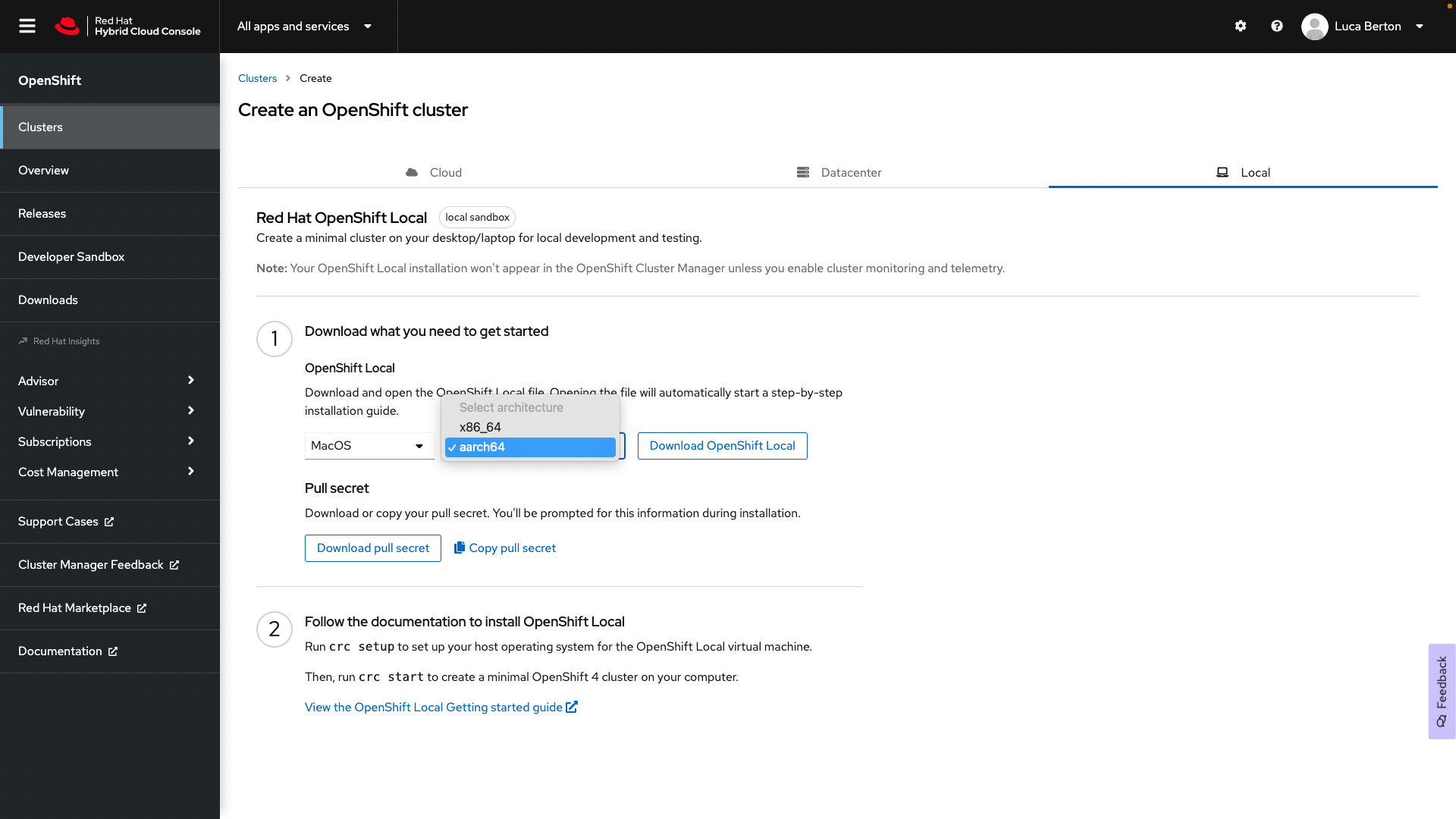
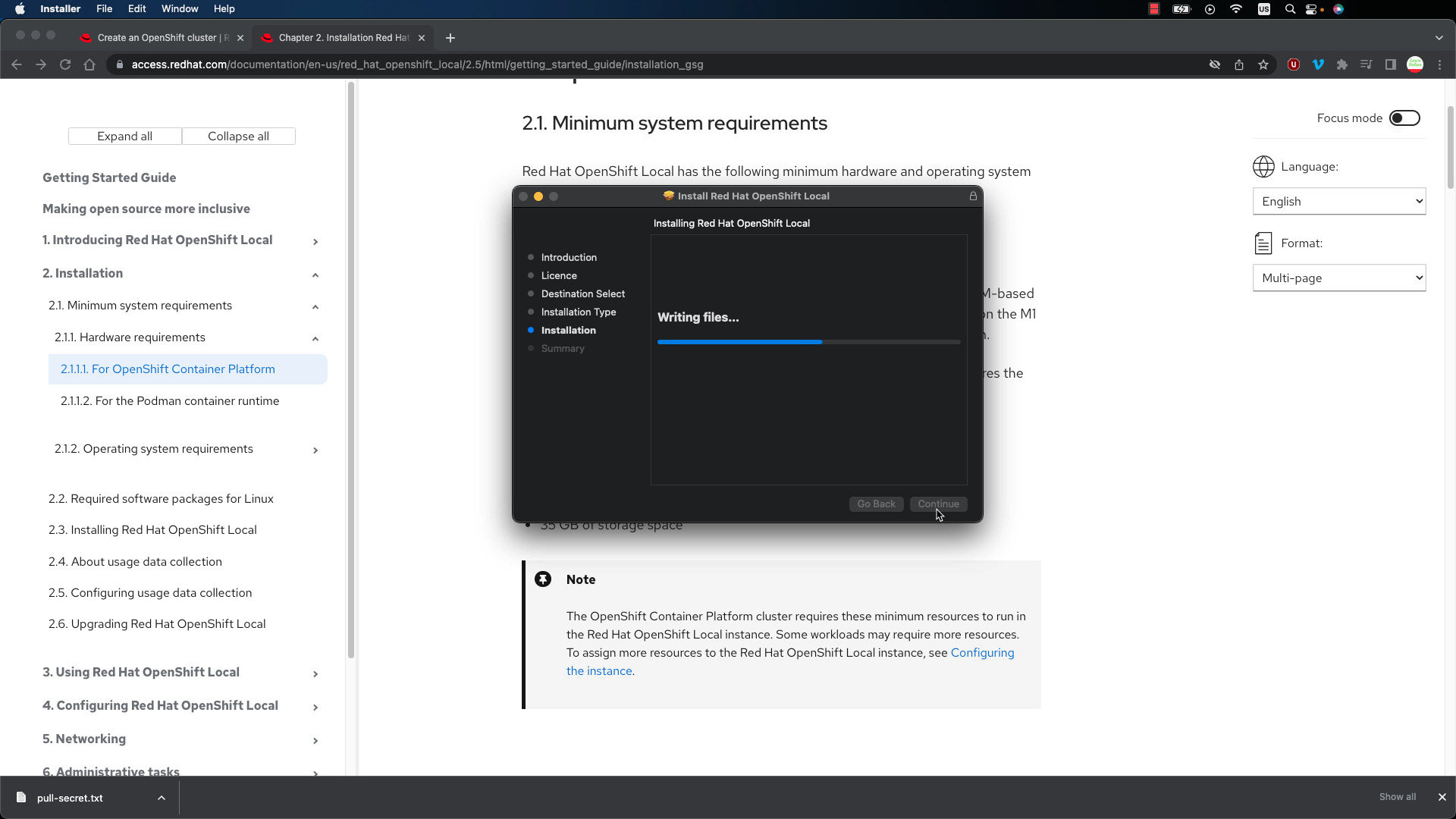
cluster setup
```bash
ansible-pilot $ crc setup
CRC is constantly improving and we would like to know more about usage (more details at https://developers.redhat.com/article/tool-data-collection)
Your preference can be changed manually if desired using 'crc config set consent-telemetry <yes/no>'
Would you like to contribute anonymous usage statistics? [y/N]: y
Thanks for helping us! You can disable telemetry with the command 'crc config set consent-telemetry no'.
INFO Using bundle path /Users/lberton/.crc/cache/crc_vfkit_4.11.3_arm64.crcbundle
INFO Checking if running as non-root
INFO Checking if crc-admin-helper executable is cached
INFO Checking for obsolete admin-helper executable
INFO Checking if running on a supported CPU architecture
INFO Checking minimum RAM requirements
INFO Checking if crc executable symlink exists
INFO Creating symlink for crc executable
INFO Checking if running emulated on a M1 CPU
INFO Checking if vfkit is installed
INFO Checking if CRC bundle is extracted in '$HOME/.crc'
INFO Checking if /Users/lberton/.crc/cache/crc_vfkit_4.11.3_arm64.crcbundle exists
INFO Getting bundle for the CRC executable
3.09 GiB / 3.09 GiB [--------------------------------------------------------------------] 100.00% 2.84 MiB p/s
INFO Uncompressing /Users/lberton/.crc/cache/crc_vfkit_4.11.3_arm64.crcbundle
crc.img: 31.00 GiB / 31.00 GiB [----------------------------------------------------------------------] 100.00%
INFO Checking if old launchd config for tray and/or daemon exists
INFO Checking if crc daemon