What is Red Hat CodeReady Containers
- an OpenShift 4 cluster for local development
- minimum 4 vCPU, 8 GB RAM, 35 GB storage
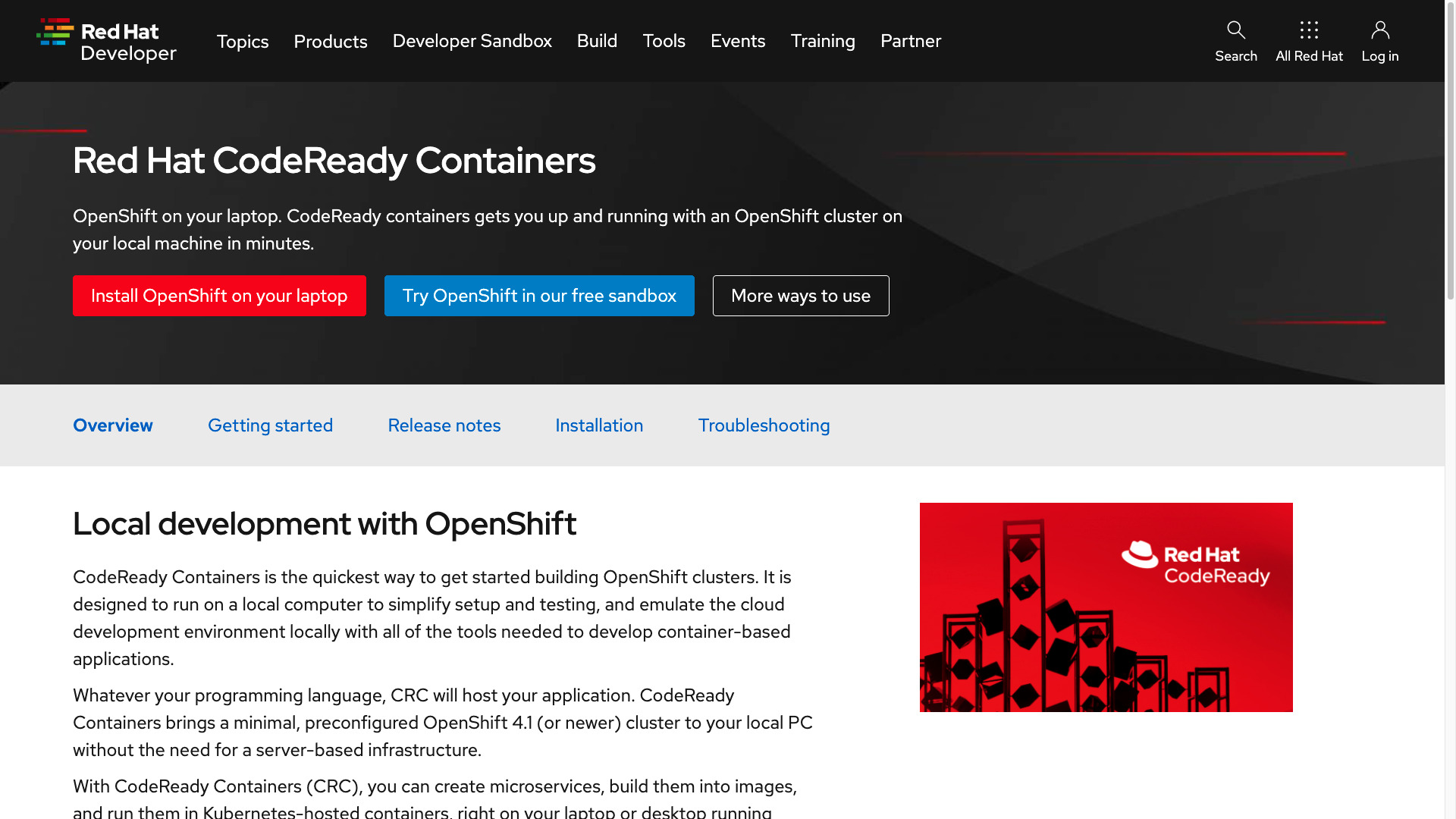
CodeReady Containers is designed for local development and testing on an OpenShift 4 cluster.
The CodeReady Containers requires at least:
- 4 virtual CPUs (vCPUs)
- 8 GB of RAM memory
- 35 GB of storage space
## Playbook
How to Install Red Hat CodeReady Containers in MacOS and simple usage.
- [Red Hat OpenShift 4 on your laptop: Introducing Red Hat CodeReady Containers](https://developers.redhat.com/blog/2019/09/05/red-hat-openshift-4-on-your-laptop-introducing-red-hat-codeready-containers)
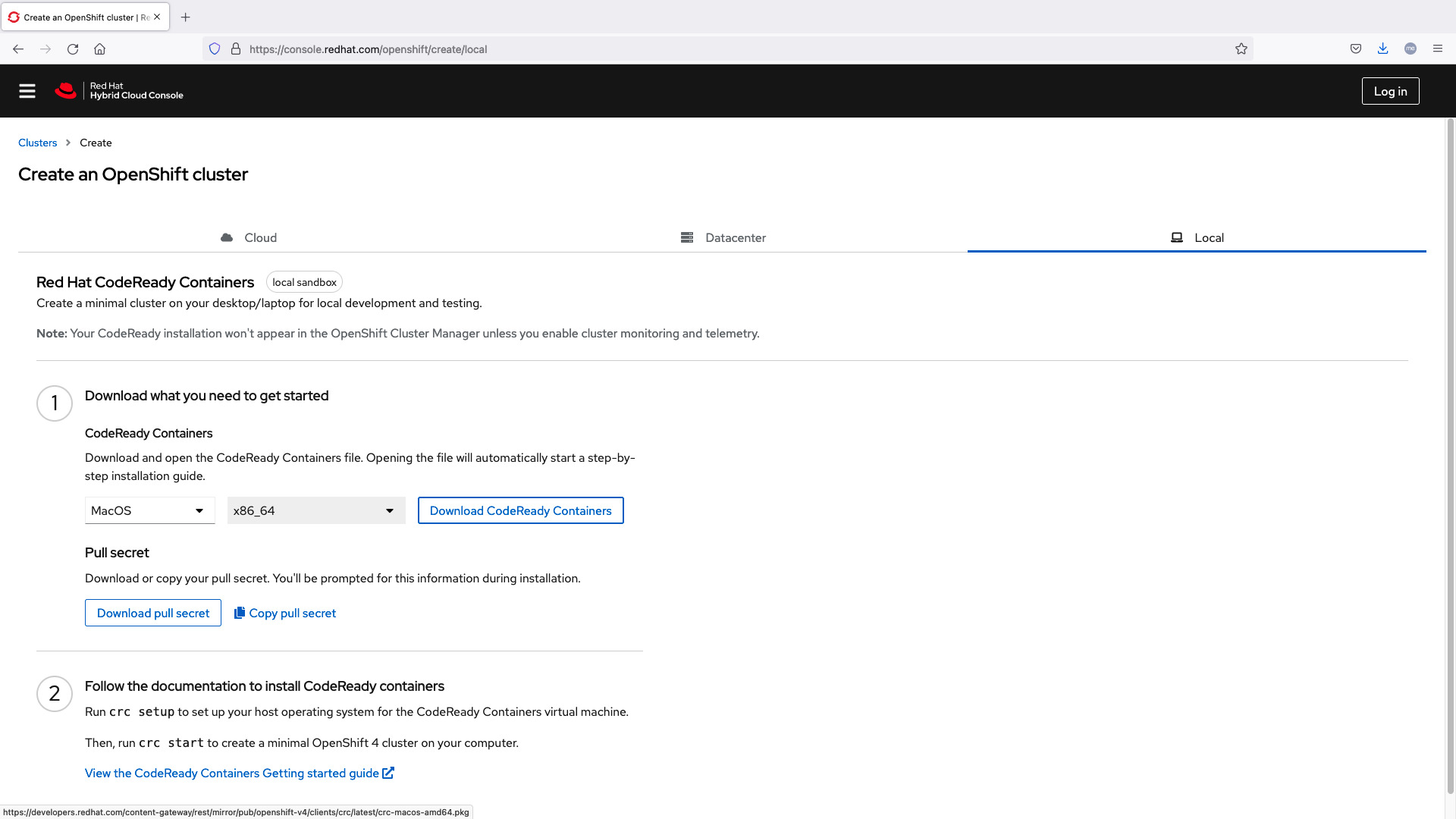
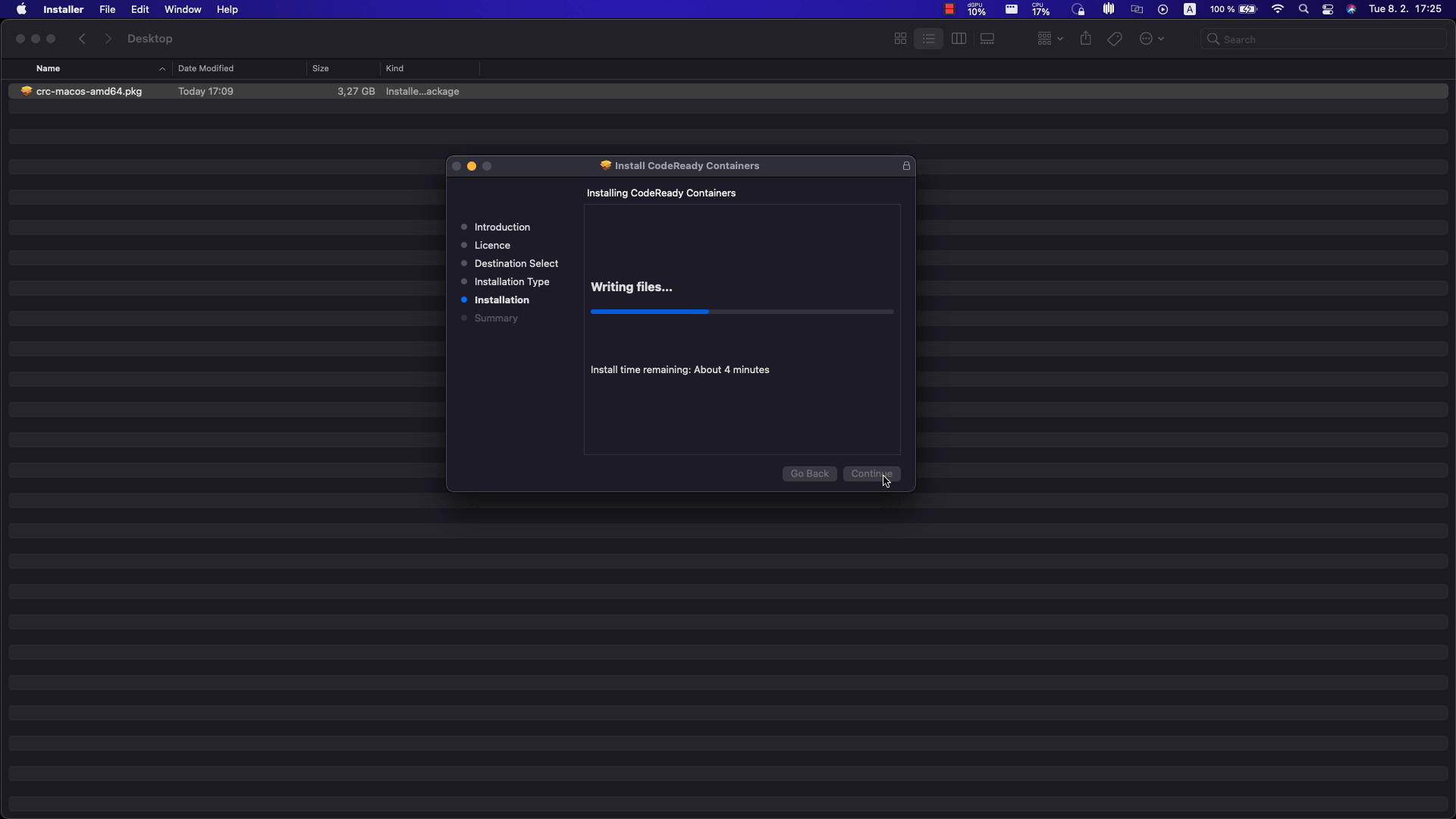
cluster setup
```bash
ansible-pilot $ crc status
Machine does not exist. Use 'crc start' to create it
ansible-pilot $ crc setup
CodeReady Containers is constantly improving and we would like to know more about usage (more details at https://developers.redhat.com/article/tool-data-collection)
Your preference can be changed manually if desired using 'crc config set consent-telemetry <yes/no>'
Would you like to contribute anonymous usage statistics? [y/N]: y
Thanks for helping us! You can disable telemetry with the command 'crc config set consent-telemetry no'.
INFO Checking if running as non-root
INFO Checking if crc-admin-helper executable is cached
INFO Checking for obsolete admin-helper executable
INFO Checking if running on a supported CPU architecture
INFO Checking minimum RAM requirements
INFO Checking if running emulated on a M1 CPU
INFO Checking if HyperKit is installed
INFO Checking if qcow-tool is installed
INFO Checking if crc-driver-hyperkit is installed
INFO Checking if CodeReady Containers daemon is running
INFO Checking if launchd configuration for tray exists
INFO Creating launchd configuration for tray
INFO Check if CodeReady Containers tray is running
INFO Checking if CRC bundle is extracted in '$HOME/.crc'
INFO Checking if /Applications/CodeReady Containers.app/Contents/Resources/crc_hyperkit_4.9.15.crcbundle exists
INFO Extracting bundle from the CRC executable
INFO Ensuring directory /Applications/CodeReady Containers.app/Contents/Resources exists
INFO Uncompressing crc_hyperkit_4.9.15.crcbundle
crc.qcow